Stageforce vs ThriveOS — same industry, different starting points
This one's interesting. Both platforms are built specifically for home staging. But Stageforce started with inventory management and grew outward. ThriveOS started with operations — CRM, invoicing, payments, scheduling — and grew from there. Different roots, different strengths.

The honest take
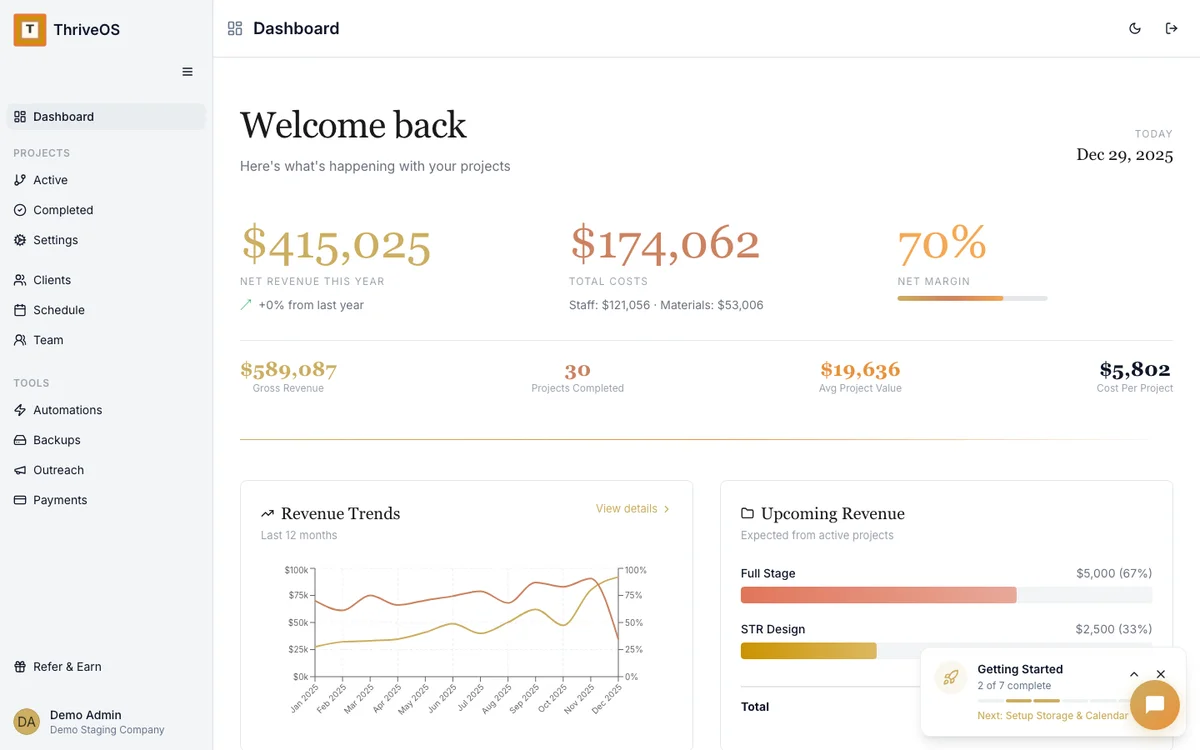
Stageforce tracks your furniture. ThriveOS runs your business.
The money side of staging
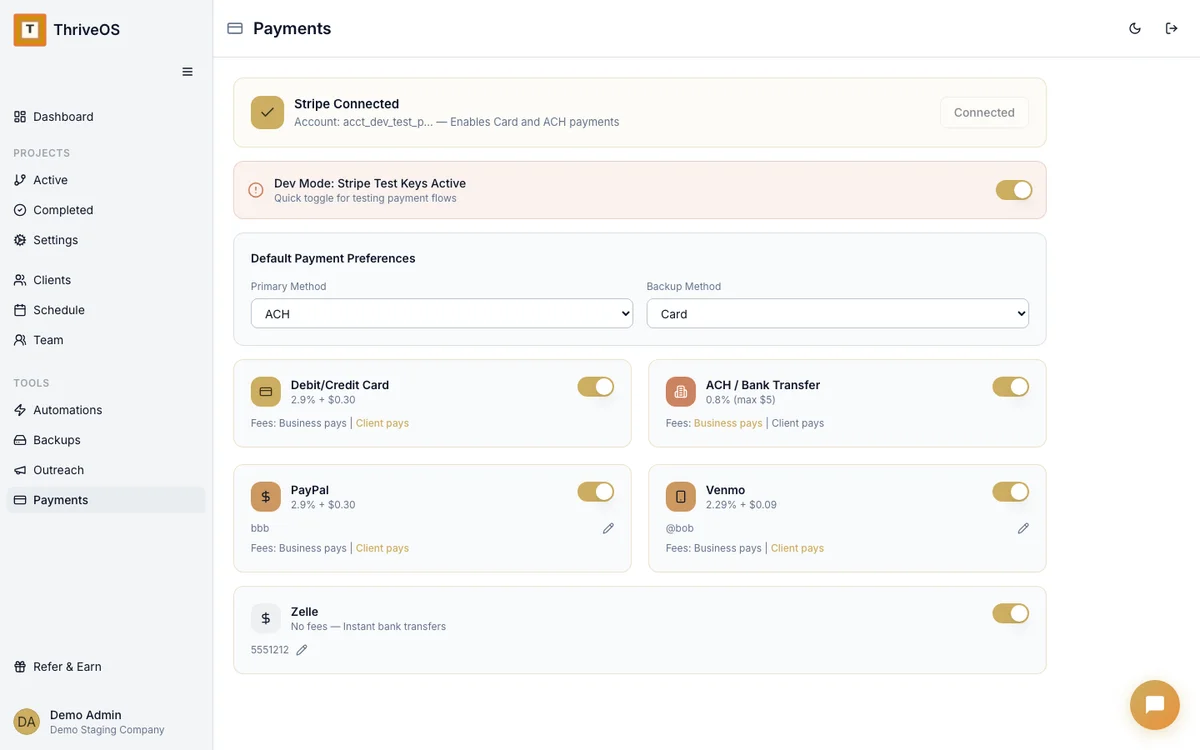
ThriveOS handles invoicing, payment collection (ACH, cards, PayPal, Venmo, Zelle), contracts with e-sign, automated reminders, and financial reporting — all tied to the project. Stageforce doesn't do any of that.
If you need to send a client an invoice, collect a deposit, or see your margins by project — that's ThriveOS territory. Stageforce has no invoicing or payment processing at all.
Inventory is their whole thing
Stageforce built an inventory system that's genuinely impressive for staging companies. RFID scanning, QR codes, warehouse management, product collections, transfer workflows between properties. If you have thousands of items and need to know exactly where every lamp and throw pillow lives, Stageforce is built for that.
They also recently added eCommerce — selling inventory directly from listings. That's a smart feature ThriveOS doesn't offer.
The price of doing business
Stageforce's pricing scales with your inventory size. ThriveOS scales with your operational needs. Here's what that looks like in practice.
 ThriveOS
Includes CRM, invoicing, payments, contracts, scheduling, automations, team management. No per-user fees.
Scales up to $289/mo for 15k items. Unlimited users on all plans. No invoicing or payment processing on any plan.
You can't get paid through Stageforce
This is the big one. Stageforce has proposals with e-sign (recently added), but no invoicing and no payment collection. If you use Stageforce, you still need a separate tool to bill your clients — QuickBooks, HoneyBook, something.
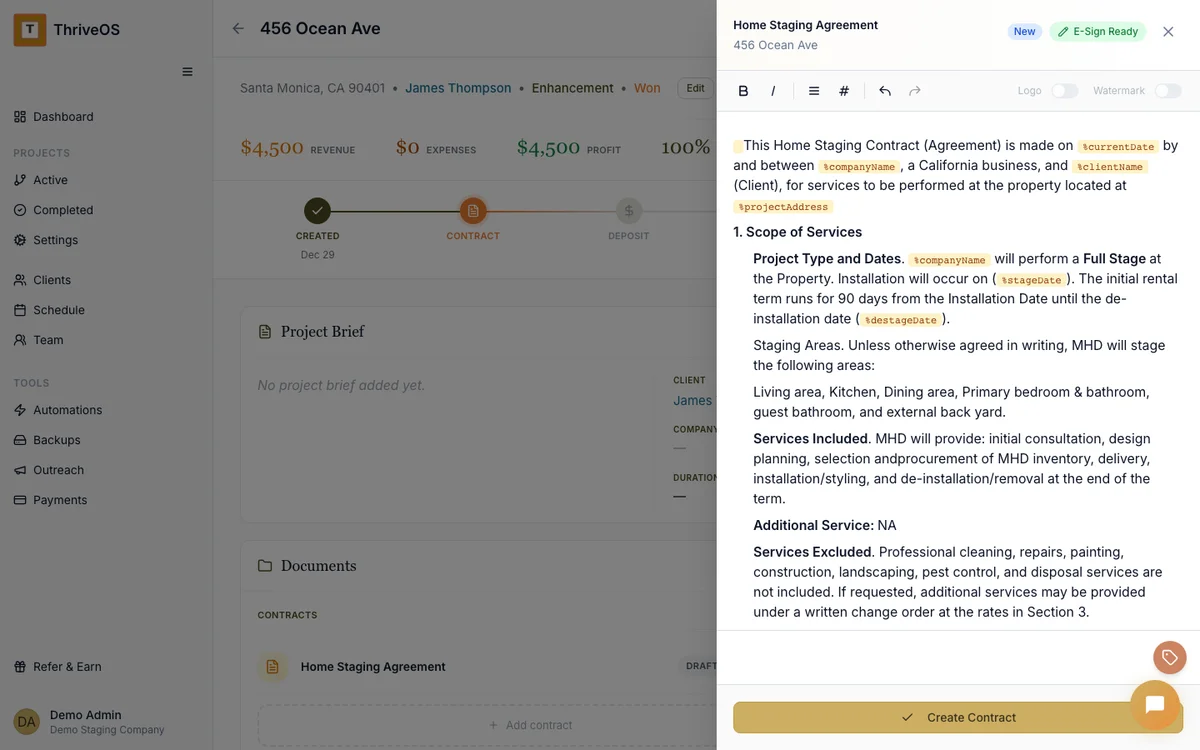
ThriveOS handles the entire financial workflow: contract → invoice → payment → project profitability reporting. Your client signs, gets billed, pays — all inside the same system that manages their project.
Know your margins before you quote the next job
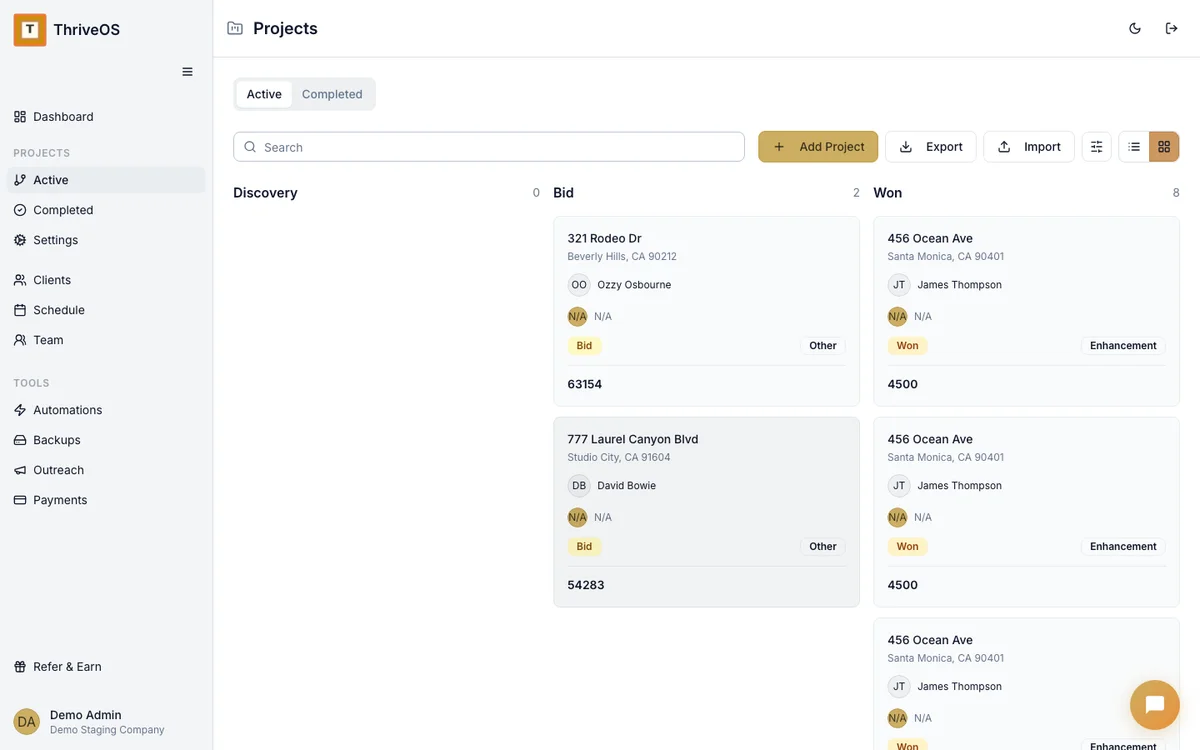
ThriveOS tracks revenue and costs per project — so you can see your actual profit margin on the Robinson staging, not just your topline revenue for the quarter. That changes how you price, how you staff, and which jobs are worth taking.
Stageforce has analytics, but they're centered on inventory utilization and project volume. Useful for operations, but not the same as knowing whether a specific job made or lost you money.
Automations that handle the follow-up so you don't have to
Stageforce has project workflows and team chat, but not the kind of automation that runs in the background — things like "send a reminder 3 days before install," "follow up when an invoice is overdue," or "move this project to the next phase when the contract is signed."
ThriveOS automates the administrative rhythm of your business. The small stuff that's easy to forget when you're elbow-deep in a living room install.

We're both on your team. We just play different positions.
Here's something we'll say that most comparison pages won't: Stageforce is good at what they do. If inventory tracking is your biggest pain point — if you're losing track of furniture, if your warehouse is chaos, if your crew needs RFID scanners — Stageforce built a real solution for that.
We built a real solution for the other side: getting clients, getting paid, managing the project lifecycle, and understanding your profitability. These are complementary problems, and some staging companies might genuinely benefit from both.
Can you use both?
Honestly? Yes. Some stagers use Stageforce for inventory and a separate CRM for everything else. ThriveOS could be that CRM — handling your clients, contracts, invoicing, payments, and scheduling while Stageforce handles your warehouse.
It's not an either/or if your business is big enough to have both problems.
Same industry, different problems to solve.
ThriveOS is your match if…
Getting paid is your primary headache. You need invoicing, payment collection, and contracts that actually live inside your project management system.
You want to see your margins per project — not just how busy you are, but whether you're actually making money on each staging.
You want automations handling your admin — reminders, follow-ups, phase transitions — so you can focus on the creative work.
Stageforce might be better if…
You have a large inventory (500+ items) and tracking where everything lives is genuinely your biggest operational challenge.
You need RFID or QR code scanning in the field. Nobody else in this market offers that.
You want to sell inventory directly from listings through eCommerce — a unique Stageforce feature that creates a secondary revenue stream.