Let the boring stuff run itself
Send the contract. Get it signed. Trigger the deposit invoice. Move the project to the next phase. Remind the client about the install. You could do all of that manually. Or you could set it up once and let ThriveOS handle it while you're out styling a living room.

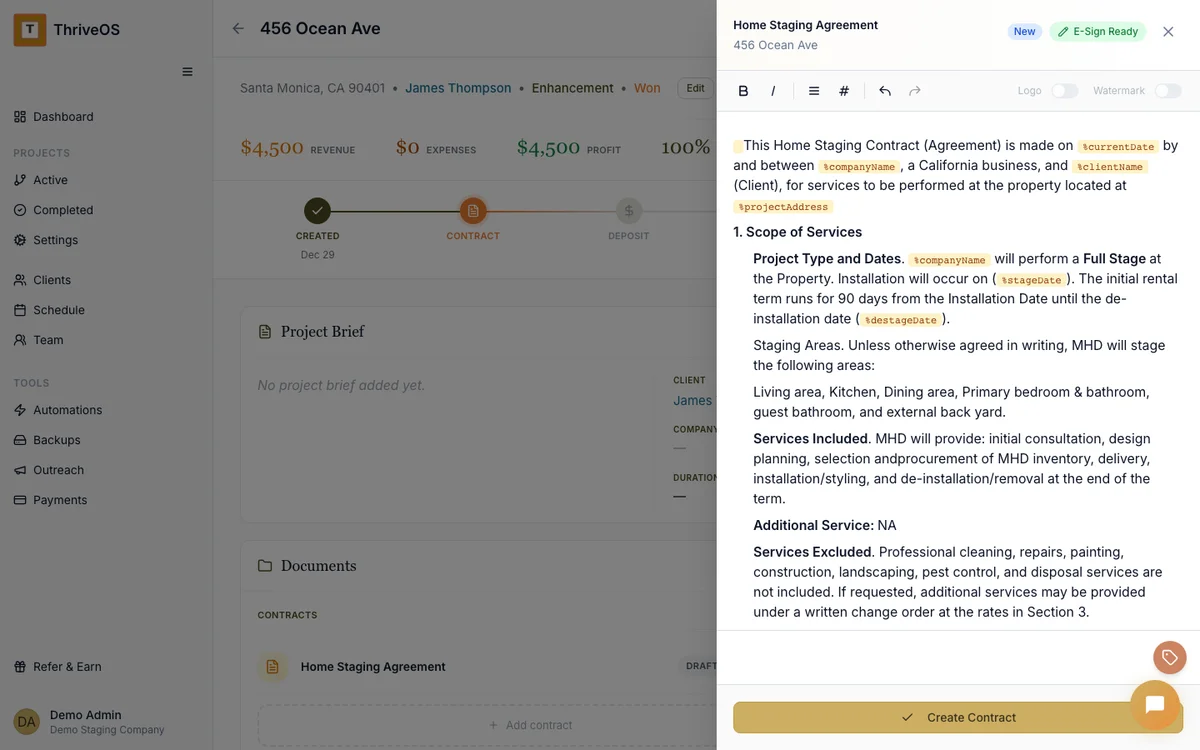
Contracts that do things when they're signed
E-sign is table stakes. What happens next is where most platforms stop and ThriveOS keeps going.
Sign it, and the whole project moves forward
In most CRMs, a signed contract is a PDF that lives in a folder. In ThriveOS, it's a trigger. The project advances to the next phase. The deposit invoice goes out. Your team gets notified. The calendar updates with the install date.
One signature, multiple dominoes. You set up the chain once, and it runs every time.
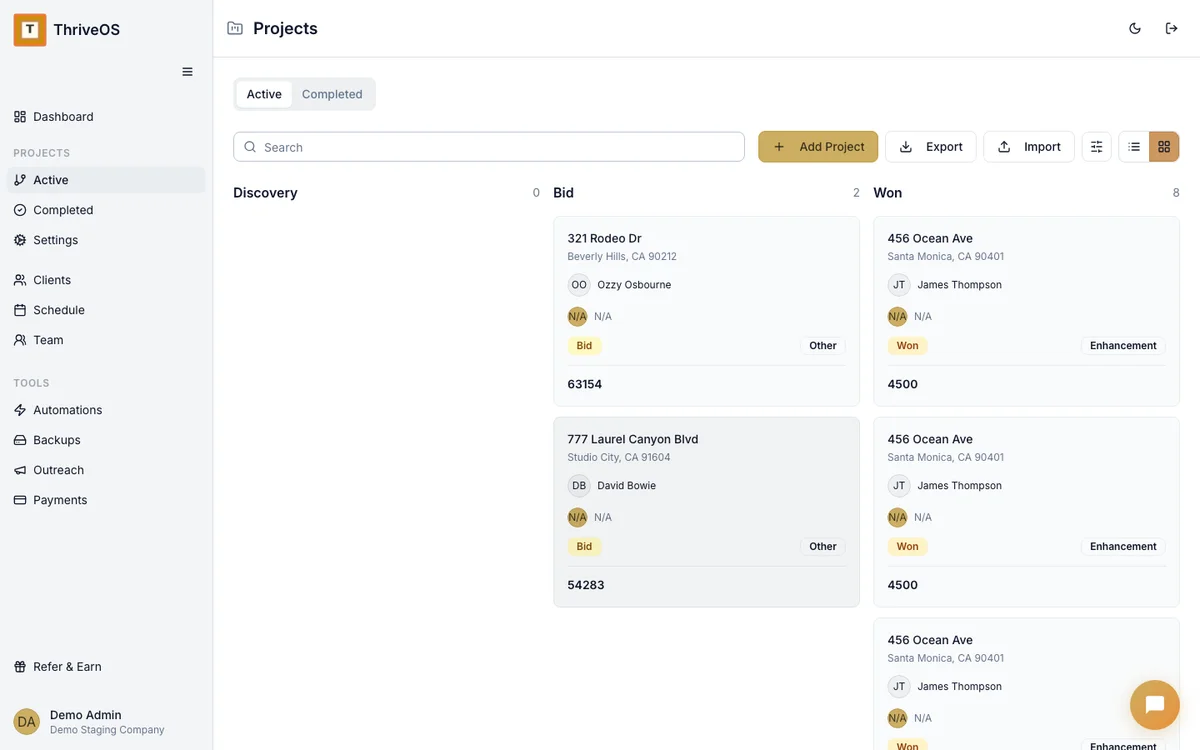
Reminders that go out without you remembering
Three days before an install: the client gets a confirmation. Invoice is overdue by a week: a gentle nudge goes out. Destage is coming up: your team gets a heads-up. These are the things that slip through the cracks when you're busy — and they're exactly the things a system should handle.
You set the rules. ThriveOS follows them. Every time, on time, without you thinking about it.
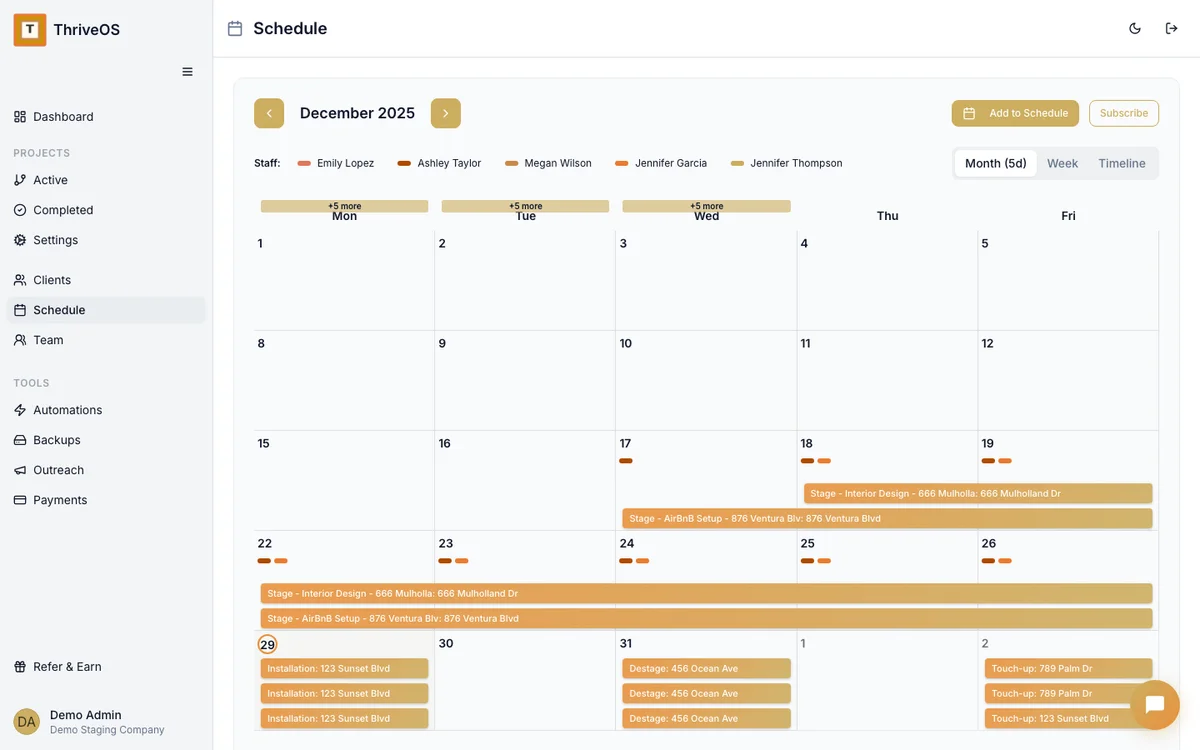
E-sign that feels professional, not awkward
Your contract shows up looking like it came from a real business, not a Google Doc with a signature line drawn in MS Paint. Your client reads it, signs it, and gets a confirmation — all in a flow that matches the quality of the staging work you do.
No third-party e-sign tool. No DocuSign subscription. No "can you print this, sign it, scan it, and email it back?" It's built right into the project.


You became a stager to design spaces, not manage workflows
The admin side of staging is relentless. Contracts, confirmations, follow-ups, reminders, phase updates, payment nudges. Every project has the same 15 small tasks that need to happen in the same order.
Automations don't replace your judgment — they replace the clipboard in your head that's already full.
While tools like HoneyBook and Dubsado offer generic automation workflows, ThriveOS automations are built around staging project phases — so when a contract is signed, the right deposit invoice, team notification, and client confirmation go out automatically, without you configuring anything from scratch.
A real automation, start to finish
Here's what a single project automation actually looks like in ThriveOS.
Client signs contract
E-sign triggers the chain. The project moves from "Proposal" to "Booked" automatically.
Deposit invoice goes out
Pre-filled from the contract scope. Your client gets a clean invoice link — ACH, card, their choice.
Team gets notified
Your installers see the new project on their schedule. Install date, property address, scope — all there.
Client gets a confirmation
A professional confirmation email with install details. No manual drafting, no forgetting.
3-day reminder fires
Before the install, the client gets a heads-up. Your team gets one too. Everyone's on the same page.
Final invoice on completion
When the project phase moves to "Complete," the balance invoice generates. One click to review and send.
Set it up once. Let it run for every project after.
The best part about automations? You do the work once and then forget about it — in the good way, the "it's handled" way.
Try It Free