Your data is always yours
Every contract, invoice, and project file — automatically backed up to your own Google Drive. If you ever leave ThriveOS (we'll be sad, but we'll be fine), your business records leave with you. No export requests. No waiting. No ransom.

Automatic backups to your Google Drive
Not our servers. Not a proprietary export format. Your Google Drive, organized the way your business is organized.
Contracts land in your Drive the moment they're signed
When a client signs a contract in ThriveOS, a PDF copy is automatically saved to your Google Drive — organized by project. You don't have to remember to download it. You don't have to worry about losing it if you change platforms. It's just there.
Your accountant needs last year's contracts? They're in Drive. Your lawyer needs to review a dispute? It's in Drive. Your computer dies? Everything's in Drive.
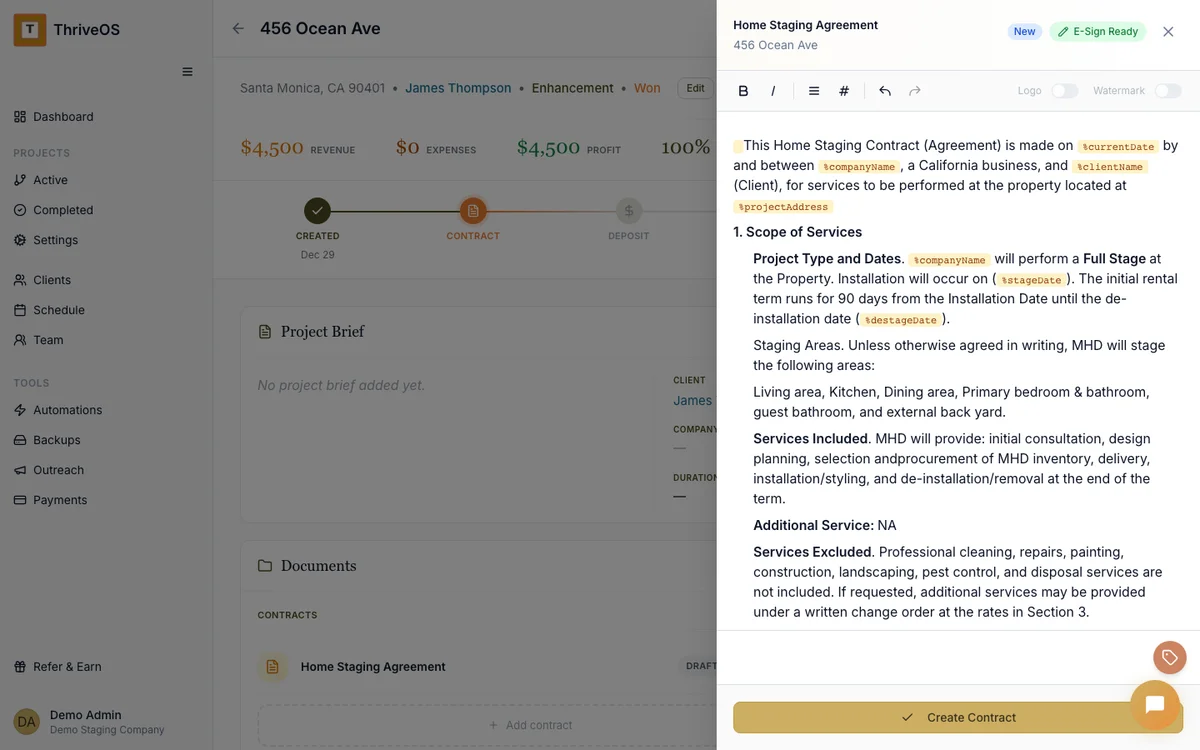
Invoices and payment records, organized by project
Every invoice you send, every payment you receive — a record goes to Drive. Not dumped into one messy folder, but organized by client and project. The same structure you use in ThriveOS, mirrored in your Drive.
Come tax season, you'll thank yourself. Or more accurately, you'll thank the version of you who set this up six months ago.
No vendor lock-in. That's the whole point.
We think if you use ThriveOS, it should be because it's the best tool for your business — not because your data is trapped inside it. Google Drive backups mean you always have a complete, organized, independent copy of everything.
It's a small feature with a big philosophy behind it: your business data belongs to you, not your software vendor.

You have enough to worry about. Your files shouldn't be one of them.
Between managing installs, coordinating teams, and keeping clients happy, the last thing you need is anxiety about where your contracts live or whether you can access last quarter's invoices.
Google Drive backups run in the background. You don't configure them, you don't maintain them, you don't think about them. They're just there when you need them.
While tools like HoneyBook and Dubsado store your files in their own silos, ThriveOS backs everything up directly to your own Google Drive — so your contracts, invoices, and project records are yours to keep, even if you ever switch platforms.
Why this matters
It might seem like a small thing until it's the thing that saves you.
Tax season, handled
Every invoice and payment record already organized by project in your Drive. Hand the folder to your accountant and call it a day.
No lock-in, ever
If you decide to leave ThriveOS, your data doesn't stay behind. It's already in your Drive — contracts, invoices, everything.
Peace of mind
Your laptop could get stolen tomorrow. Your business records would still be safe, organized, and accessible from any device.
Your business records should outlive any single tool
Automatic Google Drive backups come included on all ThriveOS plans. No add-on fee, no premium tier required.
Try It Free