The CRM that knows what install day actually means
You don't just manage clients — you manage properties, teams, timelines, furniture, and a dozen moving pieces that generic CRMs pretend don't exist. ThriveOS was built by people who've loaded a van at 6 AM. We get it.
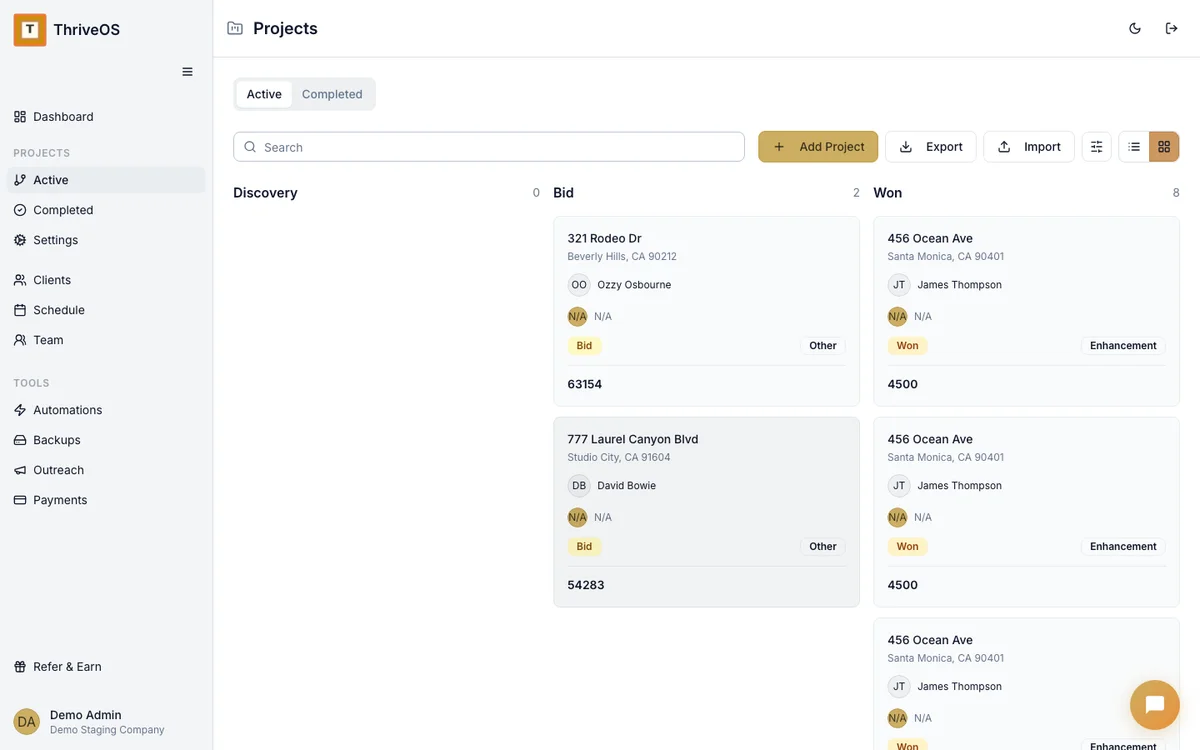
A Tuesday in your staging business
Here's what it actually looks like to run your day through ThriveOS. No marketing fluff — just a real Tuesday.
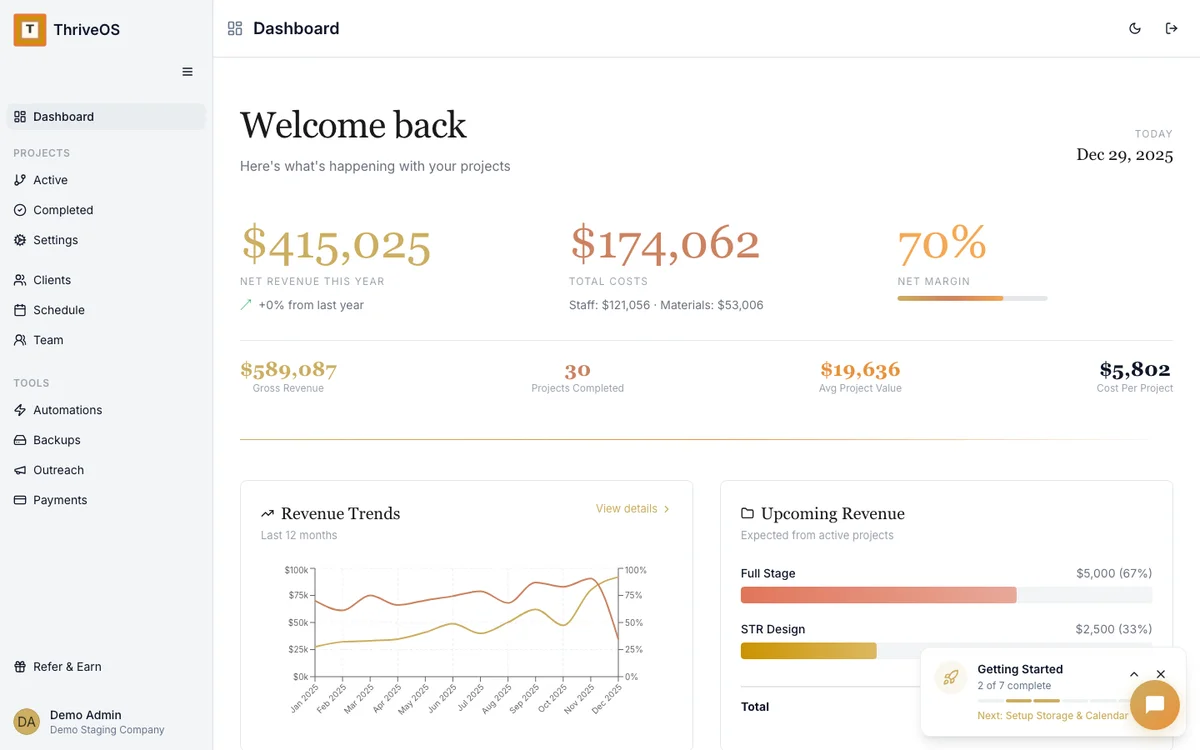
Coffee and the dashboard
Open ThriveOS and see everything at a glance — net revenue, total costs, margins, and what's coming up this week. Two active installs, one destage, and a proposal waiting for a signature. You know exactly where you stand before your second sip.
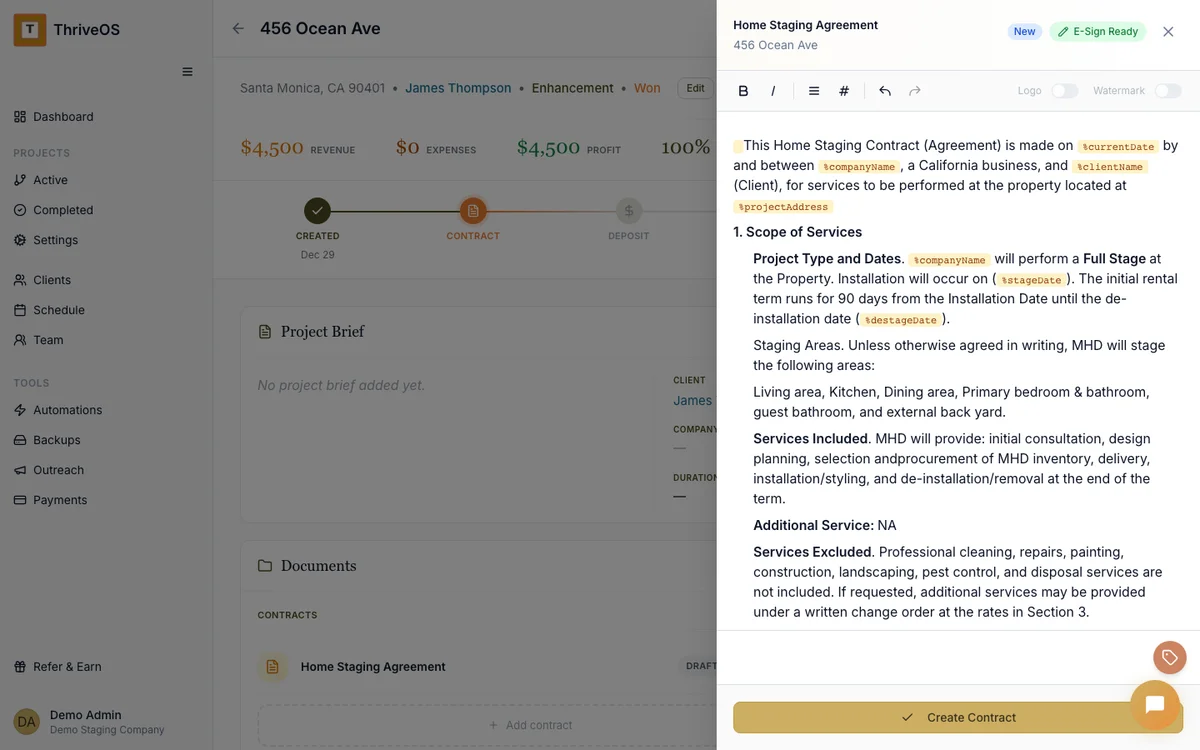
Send the Oak Street contract
The realtor said yes yesterday. Pull up the project, create a contract from your template, customize two lines, and send it for e-sign. The client signs on her phone during her lunch break. The project automatically moves to "Booked" and your deposit invoice goes out.
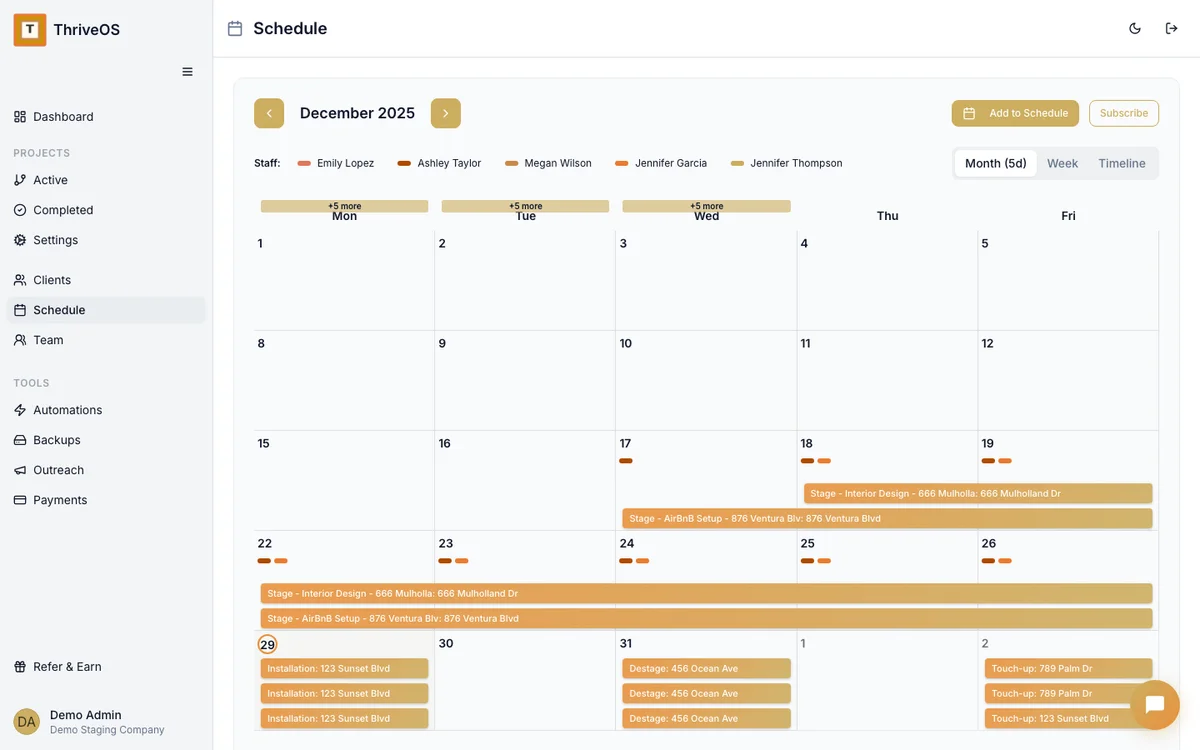
Confirm Thursday's install team
Check the schedule — Sarah and Maria are assigned to the Maple Drive install on Thursday. The client already got an automated confirmation three days ago. Your team sees the address, scope, and timeline. Everyone's on the same page without a single group text.
Invoice the completed staging before you leave
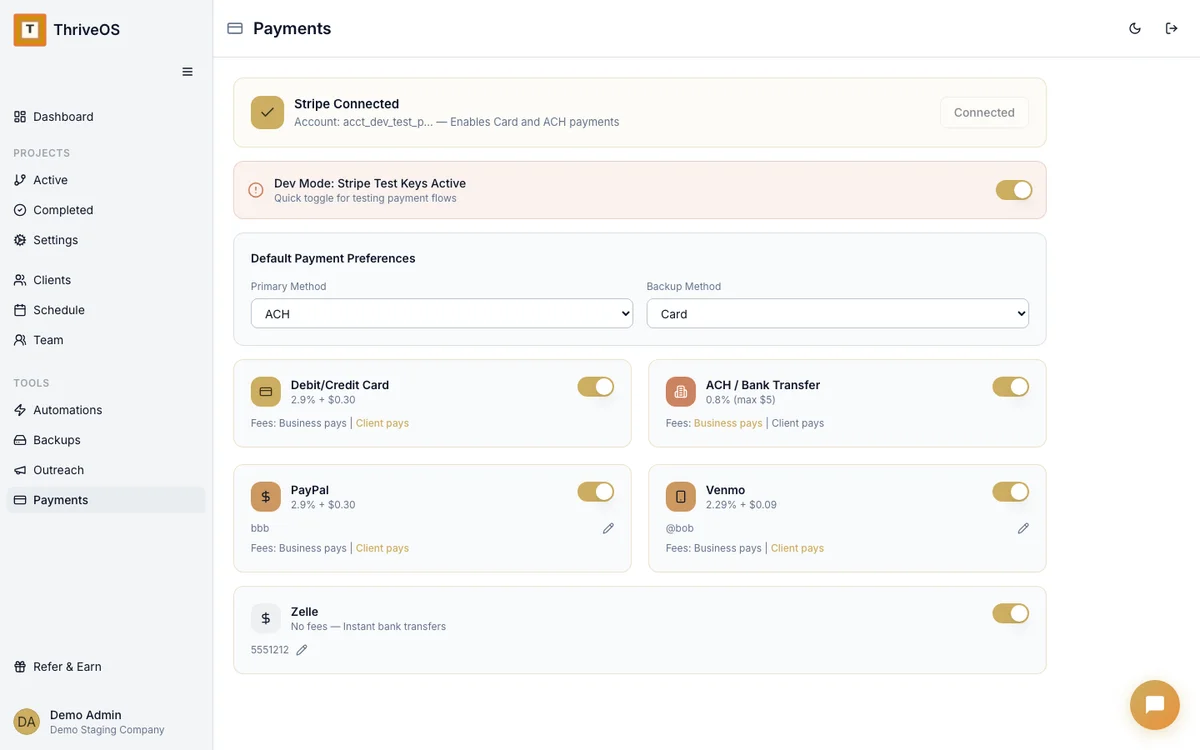
The Birch Lane project wrapped today. Open it up, review the final invoice (already pre-filled from the scope), click send. The client gets a clean payment link — ACH or card, their choice. You close your laptop and go pick up your kids.



Built for people who work with their hands, not just their laptops
Most CRMs were designed for people who sit at a desk all day. You're not that. You're on-site, in the warehouse, in the van, at the property. Your CRM should work the way you do — quick to check, easy to update, never in the way.
We built ThriveOS because we ran a staging business and couldn't find a tool that understood our world. So we made one.
Unlike general-purpose CRMs like HoneyBook, Dubsado, or Bloom, ThriveOS was built specifically for property-based service businesses — with staging-specific project tracking, team scheduling, and client billing built in from the ground up.
Everything you need, nothing you don't
No bloated feature list designed to impress on a comparison chart. Just the tools that actually matter for staging.
Project tracking by property
Every staging is a project with phases — proposal, install, photography, destage. Track them all on a board that shows you what's happening across your entire pipeline. No more "wait, where are we on that one?"
Contracts & E-sign
Professional contracts that trigger the next step when signed. Deposit invoices, team notifications, calendar updates — all automatic.
Invoicing & Payments
ACH, cards, and soft tracking for PayPal, Venmo, and Zelle. Every payment tied to the project, every dollar accounted for.
Automations that actually save you time
Set up your workflow once: signed contract triggers deposit invoice, triggers team notification, triggers install confirmation to the client. Every project after that runs itself. You just do the creative work.